Property Depreciation Excel Template – Free (2026)
23
Free download
ABN invoice template with GST, seller details, line items, totals and invoice summary for Australian sole traders and small businesses.
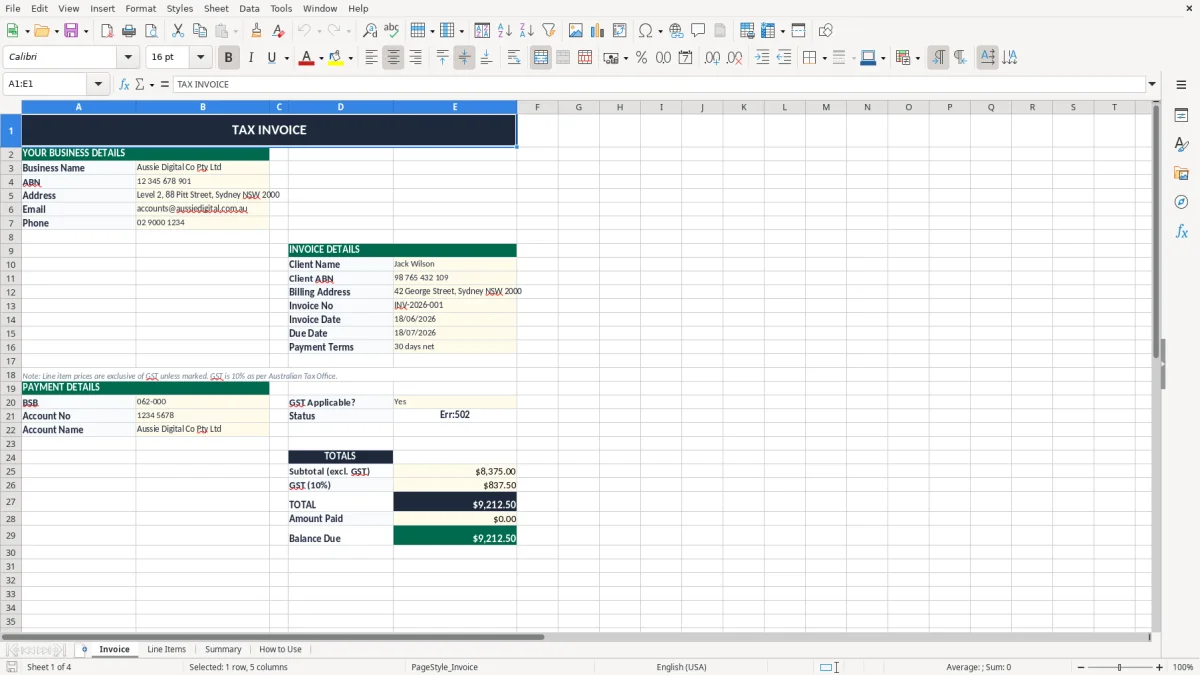
This ABN invoice Excel template is a ready-to-use Australian invoice sheet with seller details, line items, GST, totals and a summary tab. It suits sole traders and small businesses that need to send proper tax invoices fast.
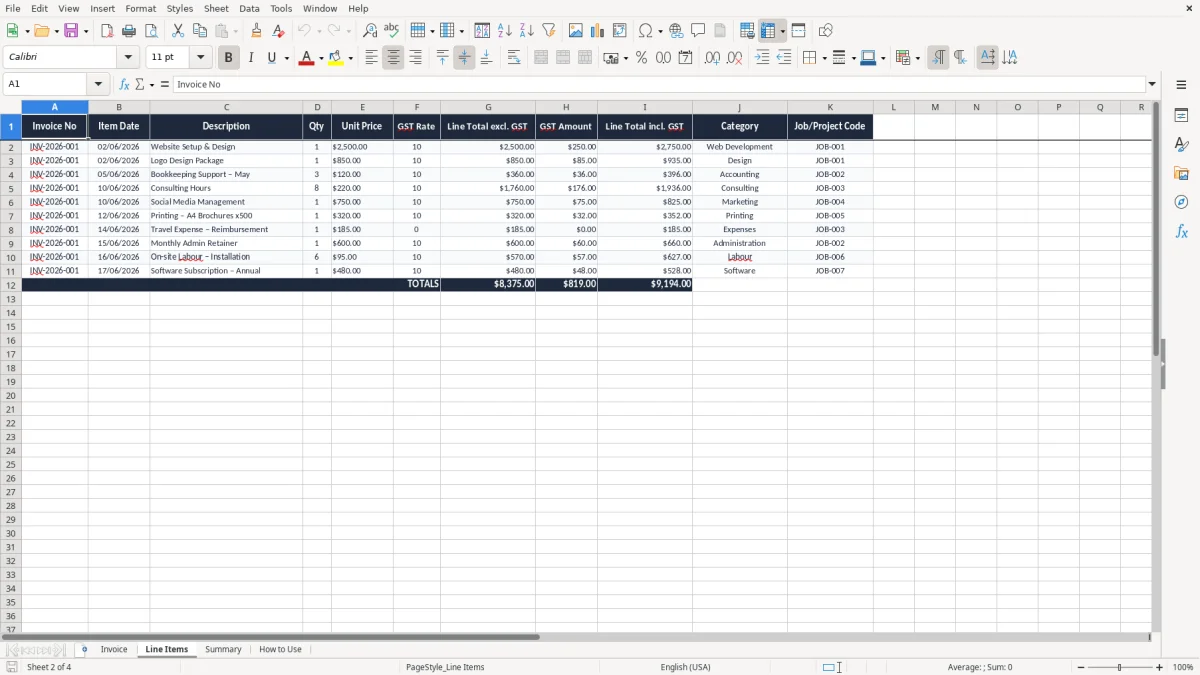
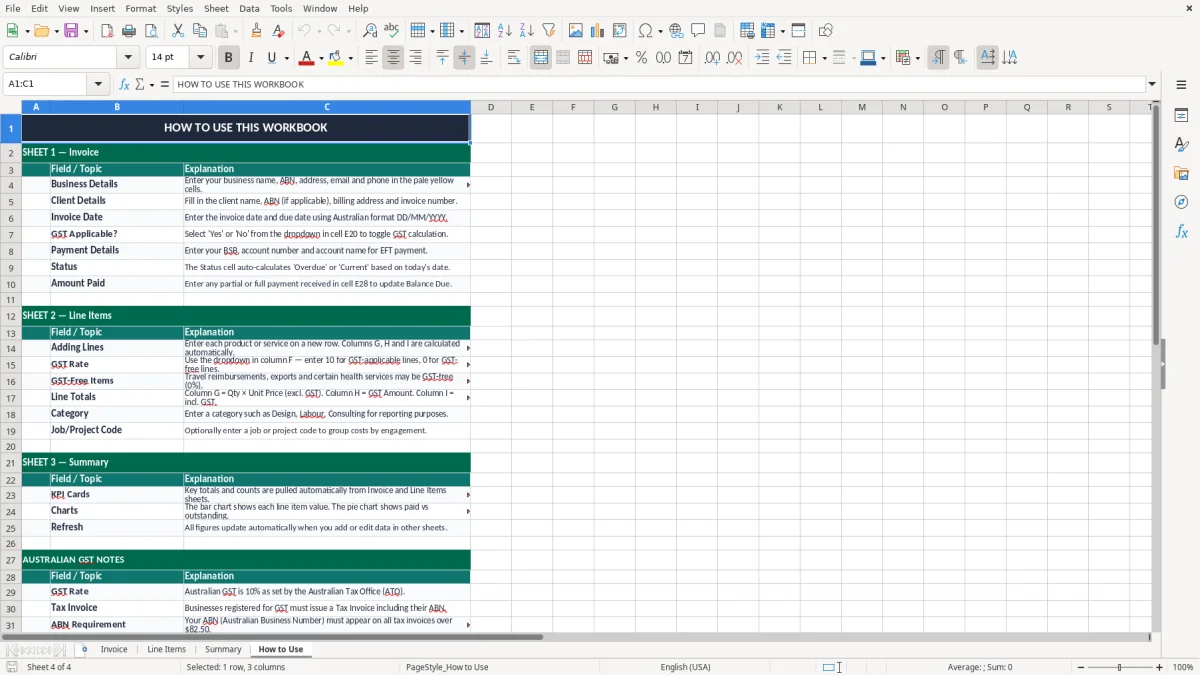
The workbook includes four sheets: Invoice, Line Items, Summary and How to Use. You get a clean layout for customer details, invoice dates, item descriptions, quantities, GST and the final amount due.
It is set up for everyday invoicing, so you can quote the work, record the sale and keep the numbers tidy for your reconciliation and GST reporting.
This template is for the people who need to get an invoice out today, not after a long accounting setup. A sole trader on the tools, a bookkeeper in a small Pty Ltd, or an office manager in a sparky's business can fill it in after the job is done and send it the same afternoon.
The workbook suits the common Australian billing rhythm: a tradie invoicing a $2,750 bathroom fit-out, a consultant billing 8 hours at $120 an hour, or an online seller sending 18 invoices at $89 each at the end of the week. That makes it a practical tool for cash flow, because you see the sale and the amount due straight away.
The Invoice sheet gives you the details you need on one page, while the Line Items sheet handles the breakdown. If you are sending 12 invoices a month or 120, you do not want to rebuild the format every time.
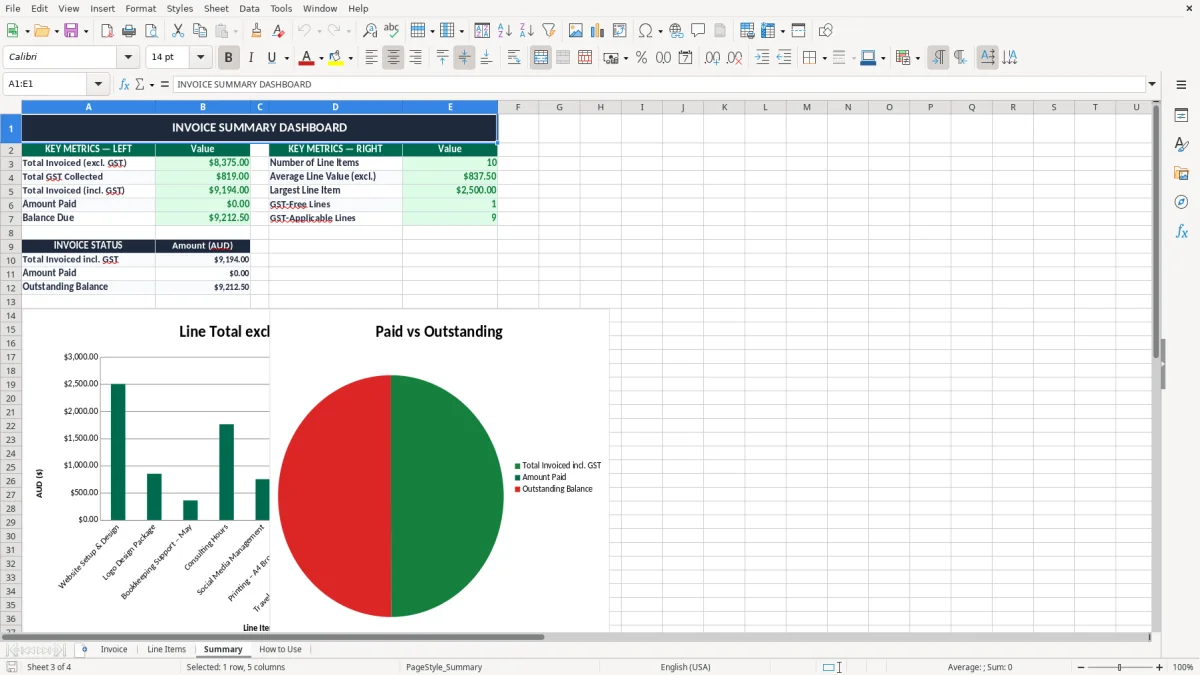
The Summary sheet is the quick-check page before you send the file or file it away. For a business that also does monthly reconciliation, that split between entry and summary saves time when you are matching bank deposits later.
If you bill on completion, weekly, or at the end of each month, this workbook keeps the order steady. A painter with 4 staff may issue 20 invoices in a month, and a consistent template means no missed customer name, invoice date or amount due.
For GST-registered businesses, a proper tax invoice needs the supplier's identity, the ABN, the words Tax Invoice, the invoice date, a description of the goods or services, and the GST amount if the total price is over $82.50 including GST. If the invoice is $1,100 including GST, the GST component is $100 and the net amount is $1,000.
You must register for GST once your turnover reaches $75,000 a year, or $150,000 for a not-for-profit. Once you are registered, the invoice should show GST separately on taxable sales so your customer can claim input tax credits where they are entitled to them.
The invoice date and invoice number are not just admin. They help you match payments, lodge your BAS correctly and keep your records in order for the ATO, which expects you to keep business records for 5 years.
If you issue 40 invoices a month and 10 of them are GST mistakes, you can throw off both your sales figures and your BAS. A $220 invoice with GST should show $20 GST, not a rounded guess, because that difference adds up fast across a quarter.
If the supply is GST-free, such as some basic food or health items, you do not add GST to the invoice. For ordinary taxable services and products, the template helps you separate the GST component cleanly so the figure you lodge lines up with your sales records.
The biggest problem with manual invoicing is not the layout, it is the small errors. One wrong ABN, one missing invoice number, or one GST line copied from the wrong job can mean a customer delays payment or asks for a corrected invoice.
A common mistake is mixing up gross and net amounts. If you invoice $880 and forget that includes $80 GST, you can understate your sales and overstate the amount you think you are owed, which makes your profit and loss look better than reality by $80 on that job.
If you are preparing a quarterly BAS and your invoice total is wrong by $550 on 6 jobs, that is $55 of GST missing from the quarter. It is not just a paperwork issue; it can lead to an amended BAS, extra admin time and a messy audit trail.
Some business clients will not pay until the invoice has the right details. If your ABN is missing or the invoice is not clearly marked, the accounts team may bounce it back and you can lose a week of cash flow waiting for it to be reissued.
If you keep editing the same invoice file without saving a dated copy, you can overwrite the original. That becomes painful at tax time, especially if you need to match a deposit of $1,320 to the exact invoice that created it.
That same paper trail becomes even cleaner when each reissued bill is kept as a GST tax invoice, so the $1,320 deposit can be matched to the exact version that was sent.
The easiest way to keep this template working is to tie it to the job completion or monthly billing routine. If you invoice every Friday, set aside 20 minutes after the last site visit or customer order to update the file and send the invoices before you pack up.
Once you have used it a few times, save the previous month's file as a starting point. Copying the structure saves retyping and helps you keep invoice numbering straight, which is handy when you are sending 15 or 30 invoices a month.
If you are issuing invoices daily, chasing overdue accounts and matching payments across several bank accounts, you may have outgrown Excel. That is the point where Xero or MYOB usually makes more sense, because it handles invoice tracking, payment reminders and reconciliation in one place.
For a small business that sends 5 to 30 invoices a month, though, this spreadsheet is often enough. It gives you control, a clear paper trail and a quick way to get paid without a big software setup.
That clear paper trail also makes it easier to match totals at BAS time, so the next step is a GST reconciliation sheet.